

Posts
Draft, publish and schedule text posts for Facebook Pages and Telegram channels. Browse older Facebook Page posts alongside new content.

Marketing
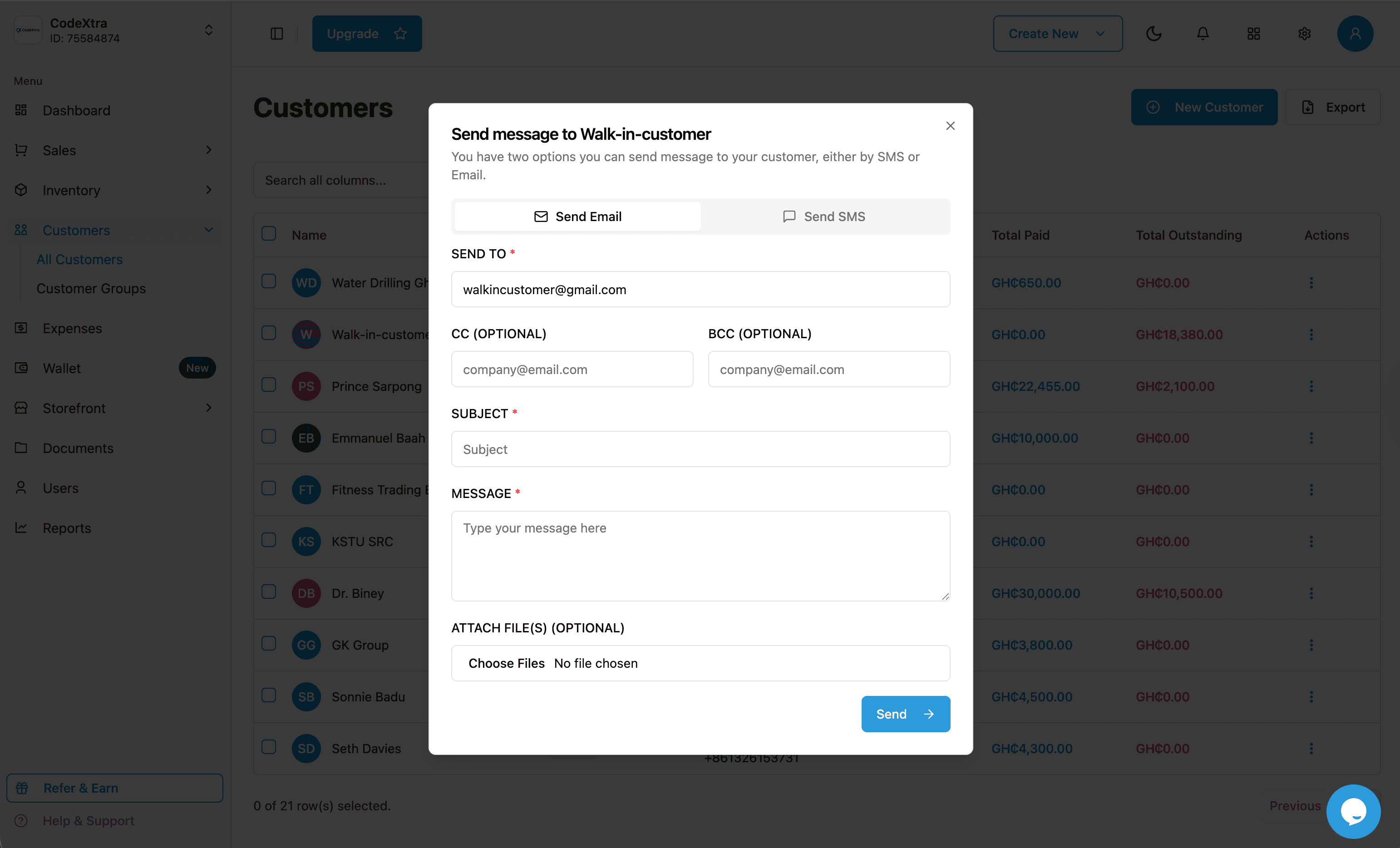
Manage social marketing with XtraLeads, turn incoming interest into leads, and stay in touch with customers through XtraKit email and SMS tools.

XtraLeads
Social media marketing, part of XtraKit
Give your marketing team a place to plan content, respond to interest and follow up on leads. Use your social data and AI suggestions to make your next campaign more informed.
From content to follow-up
01Share something useful
Create a post and choose when your audience sees it.
02Respond to real interest
Find questions in your Facebook comments and Messenger conversations.
03Save and follow up
Save a conversation as a lead. Track it as new, qualified, won or lost.
Draft, publish and schedule text posts for Facebook Pages and Telegram channels. Browse older Facebook Page posts alongside new content.
Read Facebook Messenger conversations and respond to incoming interest when the Page has messaging access.
Keep Facebook Page comments together, load older conversations and reply as your business with the required permissions.
Search connected Facebook Page activity for keywords and topics to find conversations worth following up.
Connect the profiles your business manages using XtraLeads’ shared integrations. Your team does not need a developer app.
Compare Facebook post likes and comments alongside recorded leads and wins to learn which content gets a response.
AI marketing insights
Select Facebook Page posts for AI to study their content, engagement and recorded lead outcomes. Get suggestions for content experiments and topics your team can test.
Save leads from Facebook comments and Messenger, then track their progress. Reports show recorded wins beside engagement so your team can compare content with follow-up outcomes.
AI analysis runs when you request it and the service is enabled. Private messages and customer names are excluded. Suggestions and recorded wins do not prove that a post caused a sale.
Page posts, comments, Messenger, reports and leads
Connect Professional profiles through a Facebook Page
Connect organization Pages your business administers
Publish, schedule and archive new channel posts
Features depend on channel access and permissions. Instagram and LinkedIn currently support profile connections; publishing and messaging for those networks are not available yet. Telegram archives posts from connection onward.
The everyday essentials
A closer look at the tools available in your marketing workspace.
Use XtraLeads to organize supported social channels, plan posts and manage Facebook conversations from one workspace.
Save inbound Facebook comments or Messenger conversations as leads and track new, qualified, won and lost outcomes.
Compare Facebook post engagement and recorded lead outcomes. Request AI analysis of selected posts to guide your next content experiment.
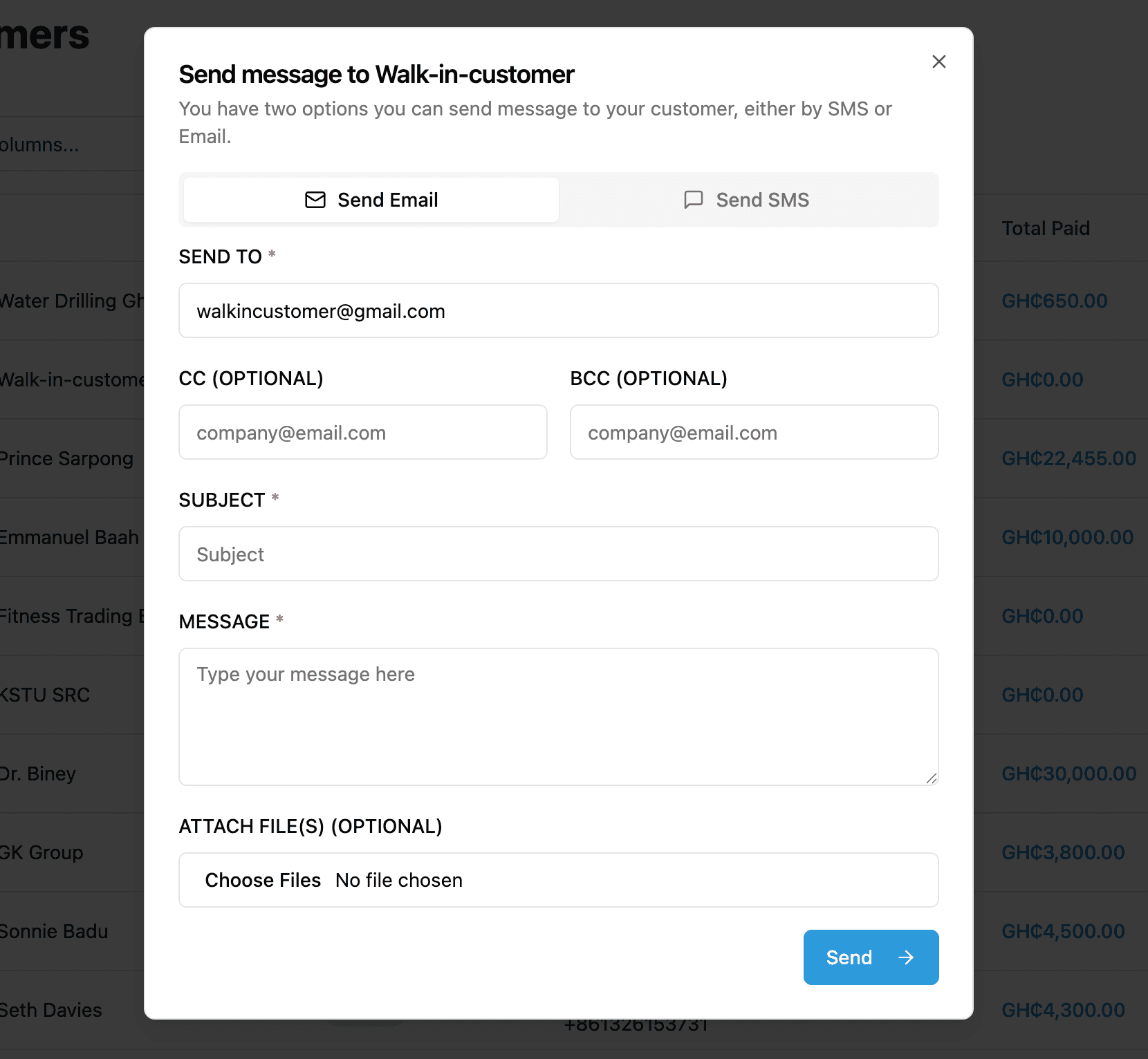
Send email updates to selected customers from your XtraKit customer workspace.
Use your own TextCus API connection or purchase prepaid XtraKit SMS credits to send customer messages.
Keep customer details and groups together so your team can choose who to contact and follow up with.
How it works
Connect the social profiles you manage in XtraLeads, and organize existing customer contacts in XtraKit.
Publish or schedule supported social posts, answer incoming Facebook questions, and send customer email or SMS updates.
Record interested people as leads, track confirmed outcomes, and compare post engagement with AI suggestions for your next campaign.
Your next step
Explore XtraKit for yourself, or talk to our team about the tools that fit your business.